Tools · Updated July 3, 2026
Music Release Planner: Template and Checklist for Artists
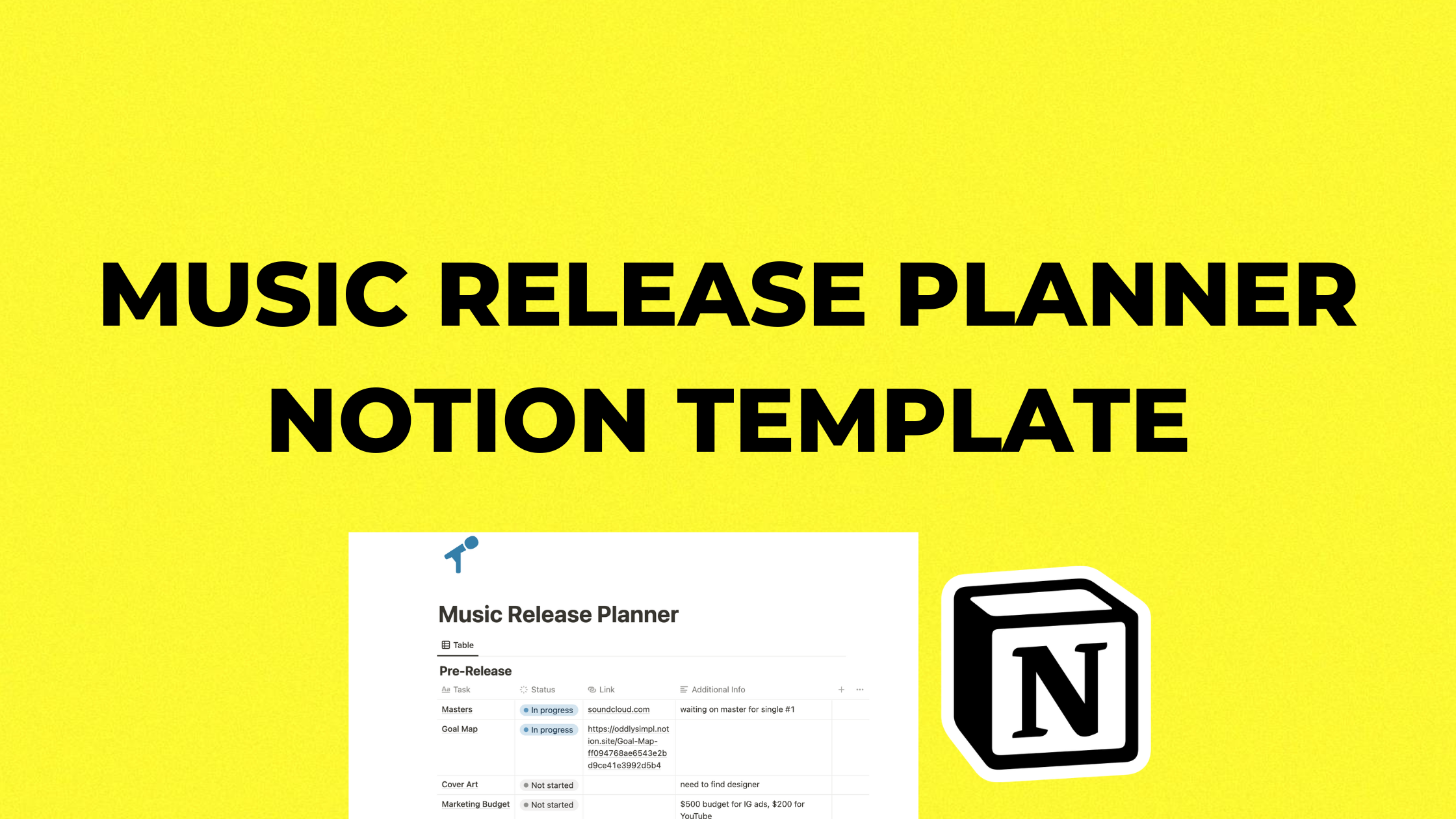
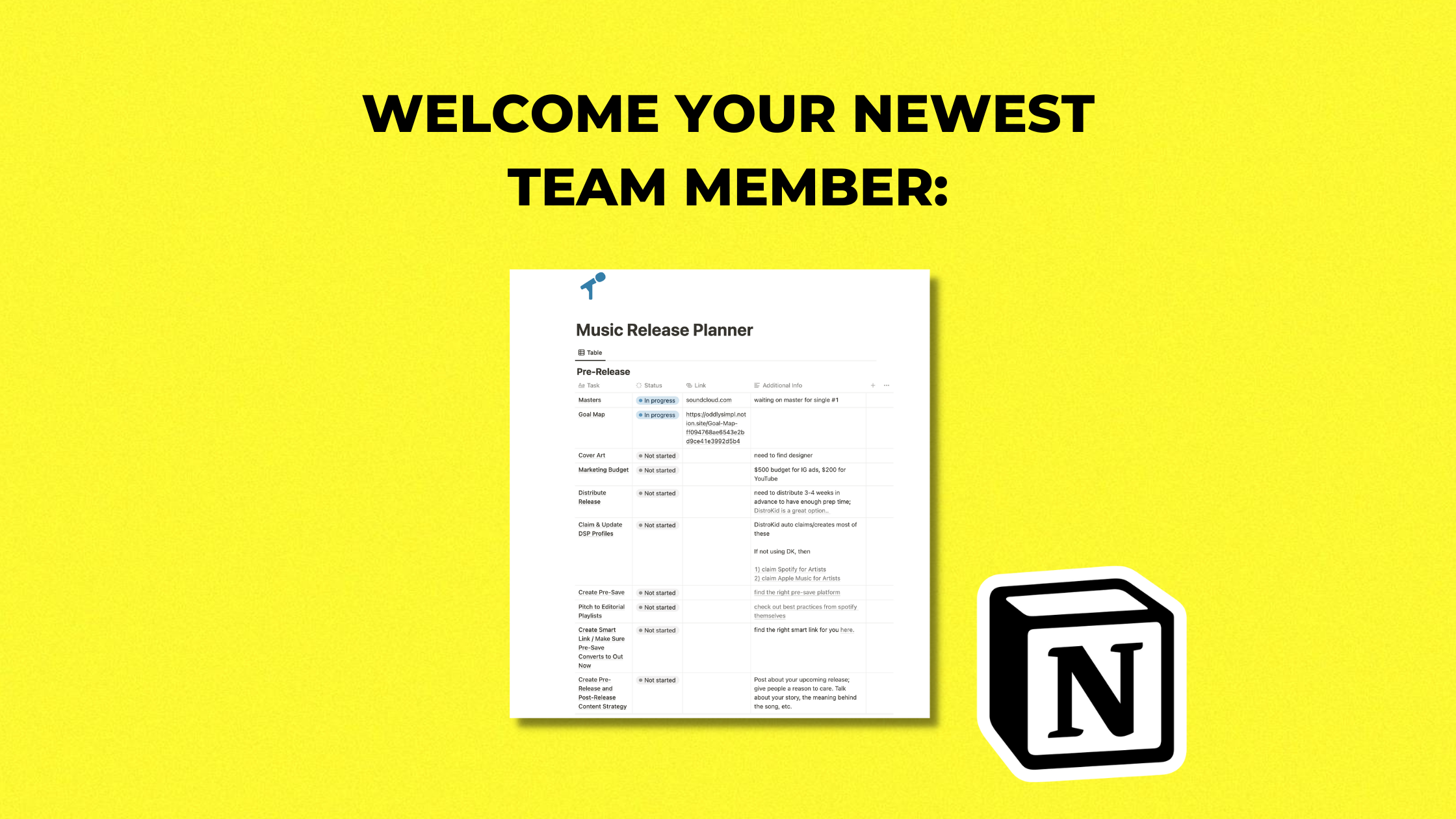
A music release planner gives every song one home: deadlines, assets, credits, Spotify pitch notes, content angles, links, ads, and the post-release review.
Without that system, the song may be finished while the cover art is late, the distributor upload is rushed, the Spotify pitch gets written in a panic, and the content plan turns into one graphic with an "out now" caption. Release day arrives, and nothing compounds because the campaign never had a real shape.
Use the template to make the rollout visible before it gets urgent.
Get the music release planner template
Music Release Planner Template: What to Organize
A good planner puts every release decision in one place, instead of scattering the rollout across notes apps, group chats, Google Drive folders, and late-night panic.
- Release details: title, ISRC, release date, distributor, collaborators, splits, credits, and final audio files.
- Asset checklist: cover art, Canvas, vertical clips, press photos, visualizers, lyric assets, short-form edits, and ad creative.
- Spotify tasks: profile cleanup, Artist Pick, Canvas, Clips where available, follower push, and Spotify for Artists pitch.
- Content plan: hooks, story angles, lyric posts, performance clips, behind-the-scenes videos, and comment-reply ideas.
- Promotion channels: email, SMS, socials, playlist pitching, creator outreach, PR, ads, live shows, and community posts.
- Measurement: saves, follows, source of streams, smart-link clicks, content performance, cities, and post-release notes.
Music Release Timeline: 8 Weeks to Release Day
If you have the option, plan eight weeks out. Four weeks can work for a simple single. Less than two weeks means you should simplify the rollout and do fewer tactics well.
8 weeks before release
- Choose the release date and campaign goal.
- Finish the master, artwork direction, and distribution plan.
- Define who the song is for and what story the content needs to tell.
- Create the first list of content hooks and audience ideas to test.
4-6 weeks before release
- Upload to your distributor with enough time for delivery, fixes, and platform setup.
- Build the smart link or pre-save page if it fits the campaign.
- Start posting content that explains the world around the song.
- Prepare playlist pitches, creator outreach, press angles, and email copy.
At least 7 days before release
- Pitch the unreleased song in Spotify for Artists if eligible.
- Choose the section of the song you want followers to hear through Release Radar.
- Make sure the profile is clean: bio, photos, Artist Pick, links, and pinned content.
- Confirm release-day posts, links, and creative are ready.
Release week
- Send fans to one clear link.
- Post multiple content angles instead of repeating the same cover art.
- Reply to real comments with new videos.
- Watch saves, follows, source of streams, link clicks, and content performance.
2-4 weeks after release
- Keep promoting the strongest clip or audience angle.
- Retarget engaged listeners if you are running ads.
- Document what worked, what did not, and what the next release should test.
- Turn the best performing content angle into the next single's starting point.
Music Release Schedule vs Release Checklist
A music release schedule tells you when each decision has to happen. A release checklist tells you what needs to be done before that date arrives. Artists need both because the creative work and the admin work move on different clocks.
Use the schedule for fixed deadlines: distributor upload, Spotify pitch, announcement date, content shoots, ad launch, email send, video premiere, and show announcements. Use the checklist for quality control: credits, splits, clean or explicit status, artwork sizes, Canvas, smart link, captions, UTMs, playlist notes, and release-day links.
For an album release checklist, add more review points. Albums need more asset versioning, more story context, more sequencing decisions, and a longer post-release plan than a single. If you treat an album like one big single, you burn through the strongest moments too fast.
Why Notion works well for release planning
Notion is useful because a release is both a checklist and a database. You need tasks, dates, assets, links, ideas, and notes from each campaign. A spreadsheet can track deadlines, but it does not hold the creative context. A notes app can hold ideas, but it falls apart when you need accountability.
The planner should help you answer three questions every week:
- What must be finished before release day?
- What content is creating real listener intent?
- What did this campaign teach us for the next one?
What to put inside the template
A useful music release planner template should have enough structure to keep you honest without turning the rollout into admin theater. These are the fields I would include before adding anything fancy:
| Planner section | Fields to track | Why it matters |
|---|---|---|
| Release info | Song title, release date, UPC/ISRC, distributor, credits, splits, explicit status | Prevents last-minute metadata mistakes and messy collaborator follow-up |
| Deadlines | Distributor upload, Spotify pitch, asset delivery, ad launch, email send, video upload | Keeps the release from becoming a release-week scramble |
| Assets | Cover art, vertical clips, Canvas, teaser videos, press photos, lyric cards, ad creative | Makes sure every channel has something useful to post |
| Content angles | Lyric hooks, story angles, similar-artist context, live clips, behind-the-scenes ideas | Turns the song into reasons for strangers to care |
| Promotion | Playlist pitches, creator outreach, email/SMS, Discord, PR, ads, smart-link UTMs | Shows which channels are being used and why |
| Results | Saves, follows, streams per listener, link clicks, source of streams, best content, next test | Turns the rollout into learning instead of a one-week spike. Use the music analytics guide when the campaign data starts coming in. |
Music Release Checklist for Independent Artists
If you do not use this template, still use some kind of checklist. The format matters less than making the release visible before it becomes urgent.
- Before upload: finalize the master, cover art, credits, collaborators, split notes, clean/explicit status, and release date.
- After upload: confirm platform delivery, claim the Spotify pitch, prepare the smart link, and update your artist profiles.
- Before announcement: choose the strongest lyric, story, or identity angle so the announcement has more weight than artwork and a date.
- Before release week: schedule posts, draft email/SMS copy, prepare ad creative, organize playlist outreach, and make sure one link is the priority.
- After release: review saves, follows, listener sources, content performance, playlist quality, and the post-campaign baseline.
Common release-planning mistakes
The planner is mostly there to stop a few predictable mistakes:
- Uploading too late: rushed delivery can cost you Spotify pitch time, profile setup, and calm decision-making.
- Planning tactics before the angle: a checklist cannot fix a song rollout if nobody knows why the song matters.
- Making pre-save the whole campaign: pre-saves are a reminder tool, not a replacement for content and fan demand.
- Skipping post-release: the best data appears after release day, once you can see who listened, saved, and came back.
- Measuring only streams: a campaign with fewer streams but better saves, follows, and repeat listeners can be the stronger long-term signal.
Do you still need a strategy?
Yes. A template can organize the campaign, but it cannot decide the angle for you. It will not tell you whether your bottleneck is positioning, content, audience quality, playlist safety, paid ads, or post-release follow-up.
Use the template to keep the campaign organized. Use the full music release strategy guide to design the rollout. Use the pre-save campaign guide if you are deciding whether a pre-save is worth it.
Get the music release planner template
Need the campaign built beyond the template? Work with simpl. We help artists plan the release, test content, run ads, read the data, and turn each rollout into a smarter next one.
Keep building the strategy
-
Music release strategy
Use the planner inside a full release system, not just a checklist.
-
Pre-save campaign guide
Know where pre-saves fit in the release timeline.
-
Waterfall release strategy
Plan multiple singles so each one gets its own moment.
About the author

Anthony Pacheco
Anthony Pacheco is the founder of simpl., a former Sony Music analyst, and a Billboard-charting musician who has helped run 750+ artist marketing campaigns. He writes about real listener behavior, release systems, Spotify ads, and how artists can grow without fake playlist traffic.