Spotify · Updated July 9, 2026
Spotify Fans Also Like: Similar Artists Guide
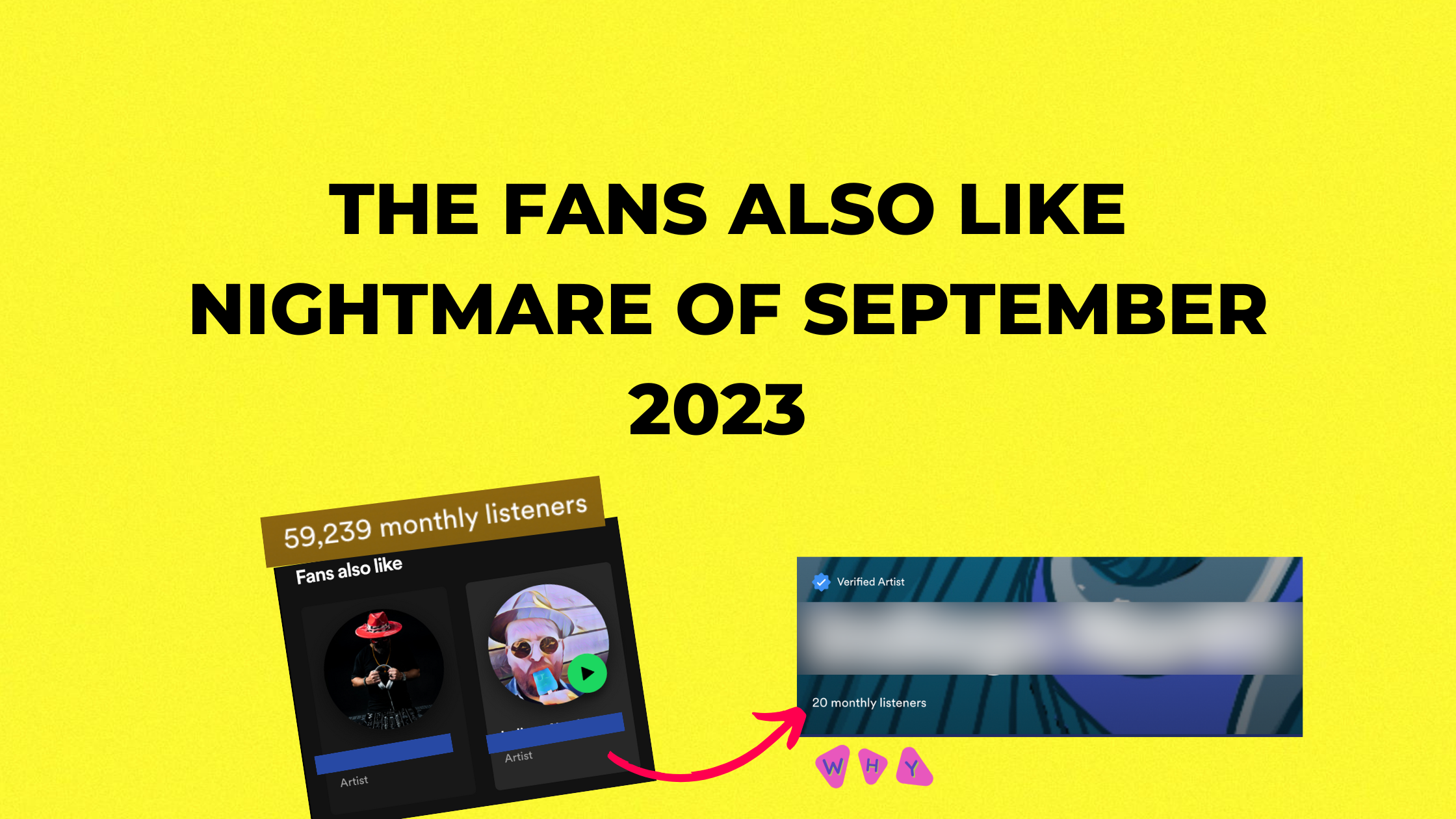
Spotify Fans Also Like can feel like a little window into whether Spotify understands your audience.
When the section makes sense, it is validating. You see artists your fans listen to, artists in the same scene, and possible signals that Spotify knows where your music belongs.
When it looks wrong, it is maddening. You make indie rock and get grouped next to a random EDM artist. You make rap and see artists with no obvious overlap. It can feel like Spotify is sending your music into the wrong room.
You cannot manually edit Fans Also Like. Spotify says the section is determined by your fans' listening habits, and the more data Spotify has, the better the section gets.
Quick answer: Spotify Fans Also Like, Spotify similar artists, and Spotify related artists are shaped by listener overlap. Artists influence them by bringing in cleaner listeners, getting saves and follows, building artist playlists, releasing consistently, and avoiding traffic that confuses the profile.
What Is Spotify Fans Also Like?
Fans Also Like is the similar-artist section on a Spotify artist profile. It recommends artists your listeners may also be interested in based on your sound and the listening habits around your audience.
For artists, it matters because it can create a discovery loop. If your profile appears next to artists with the right audience, some of those listeners can discover you from a context that already makes sense.
In my previous Billboard-charting rock band, Dwellings, the Fans Also Like section was one of the early indicators that Spotify was starting to understand where we fit. It was not the whole strategy, but it was a useful signal.
Spotify Similar Artists and Related Artists
Fans Also Like is one version of Spotify's related-artist logic. If people search for "Spotify similar artists" or "related artists Spotify," they are usually trying to understand the same thing: why Spotify groups one artist next to another.
The answer is listener overlap. If enough of the same people listen to you and another artist, Spotify has a reason to connect the profiles. If the overlap comes from weak traffic, the connection can look strange.
| Search term | What artists mean | Useful next step |
|---|---|---|
| Spotify Fans Also Like | The similar-artist row on your Spotify profile. | Check whether the artists match your genre, scene, and listener behavior. |
| Spotify similar artists | Artists Spotify groups near you through audience overlap. | Use the list for targeting, content references, and playlist research. |
| Spotify related artists | The broader relationship between your profile and adjacent artists. | Look for noisy traffic sources when the relationships look wrong. |
How Artists Should Use Spotify Similar Artists
Use similar artists as research, not validation. If the artists make sense, study the overlap: song mood, production style, audience age, cities, playlist sources, content angles, and where those fans spend time outside Spotify.
If the artists look wrong, do not panic and chase a quick fix. Pull your Spotify for Artists data first. Look for the traffic source that may be confusing the profile: a broad playlist add, a campaign aimed too wide, a collaboration with a different audience, or a spike from listeners who did not save or return.
Then tighten the next campaign. Use clearer similar-artist targeting, stronger song context, and content that frames the world around the release. Pair this with the Spotify algorithmic playlist guide so Fans Also Like, Radio, Release Radar, and Discover Weekly are all being fed cleaner listener behavior.
Why Fans Also Like Can Look Wrong
For smaller artists, Fans Also Like can look strange because there may not be enough high-quality listener data yet. If the first people streaming your song come from broad playlists, random playlist swaps, friends with scattered taste, or cheap traffic, Spotify has a noisy picture of who your music is for.
The profile is not ruined. Spotify is still forming its picture of the audience, which gives you time to improve the next inputs.
The danger is when artists try to "fix" Fans Also Like with more bad traffic. Fake playlist streams, low-quality campaigns, and guaranteed-stream packages can make the audience picture even messier.
Can You Change Spotify Fans Also Like?
You cannot directly edit the artists shown in Fans Also Like. You can influence the inputs by bringing in better listeners.
Spotify's own guidance says artists can help generate more data by encouraging fans to listen, save songs, add music to playlists, and by creating artist playlists with descriptive titles that include your music, songs you listen to, and artists similar to you.
How to Get Fans Also Like on Spotify
For new artists, aim for enough clean listener behavior that Spotify can see a pattern. A perfect-looking Fans Also Like section comes later.
Start with the inputs you can control: release consistently, point your content at the right genre world, target similar-artist audiences with care, make artist playlists that frame your taste, and push listeners toward saves, follows, repeat plays, and personal playlist adds.
If follower growth is weak, fix that before chasing a prettier related-artists section. The Spotify follower growth guide explains how to build that loop without buying fake attention.
Signals That Help Spotify Understand You
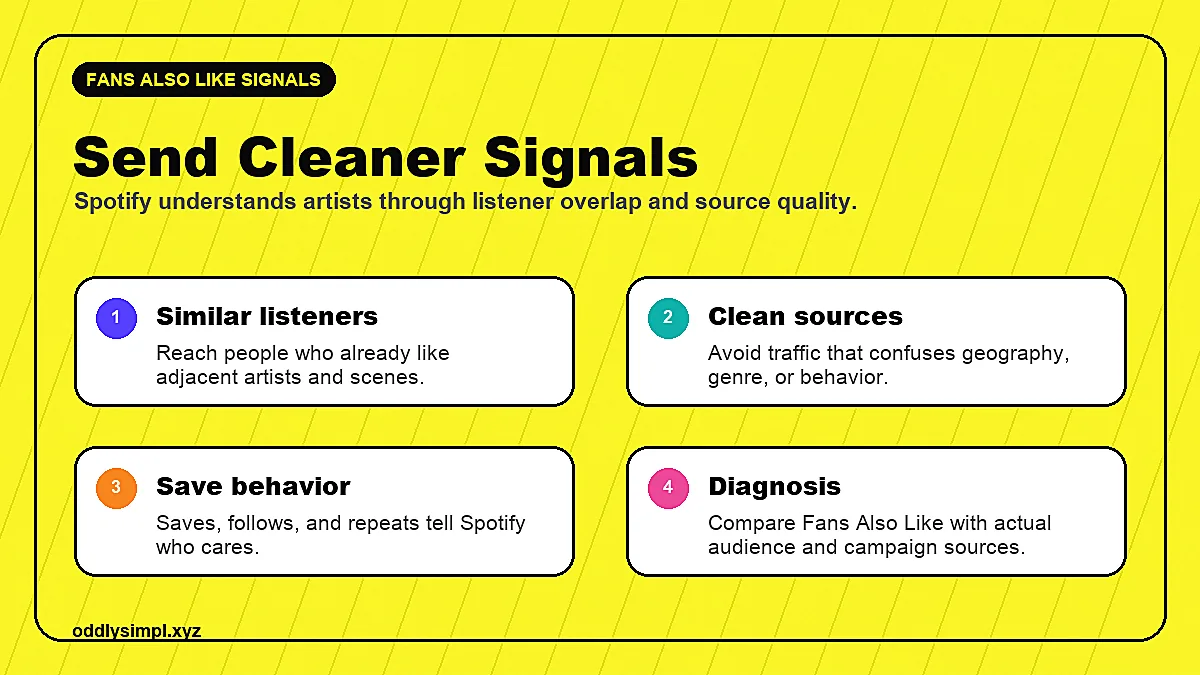
- Real repeat listening: people who come back after the first stream.
- Saves and follows: fans who signal that they want more from you.
- Personal playlist adds: listeners putting your song into their own context.
- Clean audience targeting: traffic from people who already like similar artists, moods, scenes, or genres.
- Consistent release data: multiple songs that attract overlapping listeners over time.
- Artist playlists: playlists that help frame your taste, influences, scene, and adjacent artists.
What Not to Do
Do not buy guaranteed streams to "train" the algorithm. Do not chase random playlists because they have followers. Do not run broad ads to everyone who likes music. And do not panic if your Fans Also Like section is weird after one release.
The goal is not to force Spotify to think you sound like one specific artist. The goal is to send enough real, consistent listener behavior that Spotify can build a cleaner map around your music.
How to Diagnose Your Fans Also Like Section
Look at the artists showing up and ask better questions:
- Do these artists share listeners with you, even if the genre label looks different?
- Did a playlist, campaign, or collaborator send a sudden wave of unrelated listeners?
- Are your top cities, age ranges, or sources of streams matching the audience you expected?
- Are saves, follows, and repeat listening strong enough to trust the traffic?
Pair Fans Also Like with your music analytics. One weird similar artist is not a crisis. A pattern of bad sources, low saves, and low repeat listening is the real warning sign.
How to Improve Fans Also Like Over Time
Build campaigns around the listeners you want. Use content that names the world your music belongs to. Target adjacent artists carefully. Send people through a smart link or landing page you can measure. Watch whether the listeners save, follow, replay, and come back.
If the campaign brings in fans who behave like fans, your algorithmic signals should get cleaner over time. That can help with Fans Also Like, Radio, Discover Weekly, Release Radar, and the broader recommendation system.
What to Do This Week
If your Spotify Fans Also Like section looks wrong, start with a simple audit instead of chasing another playlist. Pull your Spotify for Artists data and look at the last 28 days. Check your top sources, top cities, save rate, followers, playlist adds, and whether the listeners match the scene you are trying to reach.
Then make one campaign decision. If a playlist sent low-quality traffic, stop using that source. If one city or audience segment keeps saving, build more content and ads around that lane. If your similar artists are scattered, tighten the targeting around fewer artist references and stronger song context.
Use Spotify promotion services only when they can explain where the listeners come from and what behavior they create. If the answer is a guaranteed stream number, the campaign is probably going to make your audience map worse.
Where Spotify Ads Fit
Spotify ads, Meta ads, and smart links can support Fans Also Like when the targeting is narrow enough and the reporting looks past clicks. The point is not to buy a one-time stream. The point is to find listeners who already understand your genre world, then watch whether they save, follow, replay, and add the song to personal playlists.
That is why paid traffic works better as audience research than as a vanity-stream machine. Clean campaigns give Spotify more consistent listener overlap. Messy campaigns give Spotify noise.
Spotify Fans Also Like FAQ
Can artists change Spotify Fans Also Like?
You cannot edit the section by hand. You can influence it by bringing in listeners with the right taste, encouraging saves and follows, building artist playlists, and avoiding traffic that makes the profile harder to read.
Why are my Spotify related artists wrong?
Your related artists can look wrong when Spotify has too little data or too much messy data. Broad playlists, random traffic, or fake streams can create weak audience overlap.
How do you get Fans Also Like on Spotify?
You earn it by creating enough real listener overlap for Spotify to read. Saves, follows, repeat listening, personal playlist adds, artist playlists, and cleaner similar-artist targeting give Spotify better inputs.
Do Spotify ads help Fans Also Like?
Ads can help when they send the right people to the song. Cheap clicks do not help much. Saves, follows, repeat listening, and personal playlist adds tell Spotify more than a one-time stream.
Start with the full Spotify algorithmic playlist guide, read the music analytics guide to judge listener quality, and use simpl's Spotify ads team when you need clean listener testing instead of random playlist traffic.
Keep building the strategy
-
Spotify algorithmic playlists
Use real listener behavior to earn Release Radar, Discover Weekly, Radio, and Daily Mix.
-
Music analytics
Read source of streams, saves, follows, and listener quality before scaling.
-
Spotify ads for artists
Send the right listener clusters to Spotify without fake playlist traffic.
About the author

Anthony Pacheco
Anthony Pacheco is the founder of simpl., a former Sony Music analyst, and a Billboard-charting musician who has helped run 750+ artist marketing campaigns. He writes about real listener behavior, release systems, Spotify ads, and how artists can grow without fake playlist traffic.